
How Temporary Email Generators Work: What Happens Behind the Inbox
How Temporary Email Generators Work: What Happens Behind the Inbox
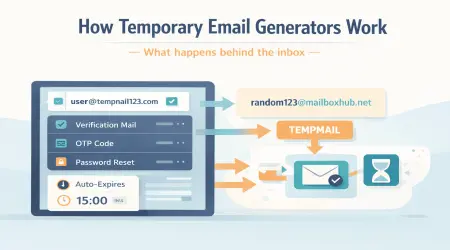
A temporary email generator looks simple from the outside. You open a website, an email address appears, and you can start receiving messages within seconds. But behind that quick experience, several things are happening at once: address generation, domain assignment, mailbox routing, message storage, and automatic cleanup.
Understanding how temporary email generators work can help you use them more wisely. It also helps explain why these tools are useful for short-term sign-ups, verification emails, testing workflows, and temporary access — but not for every kind of account.
In this guide, we break down what happens behind the inbox, what temporary email generators actually do, where they are useful, and where they should not be relied on.
For more background on how TempMail Bank is intended to be used, you can also review our About Us, Privacy Policy, and Terms and Conditions.
What Is a Temporary Email Generator?
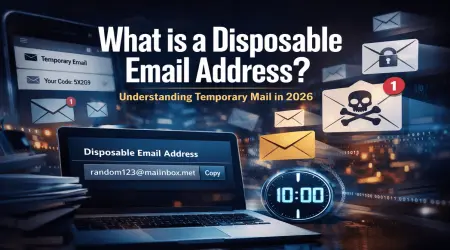
A temporary email generator is a tool that creates a short-term email address for immediate use. Instead of registering a permanent inbox, the system gives you a disposable address that can receive incoming mail for a limited period of time.
These services are commonly used for:
- one-time verification emails
- trial sign-ups
- public website registrations
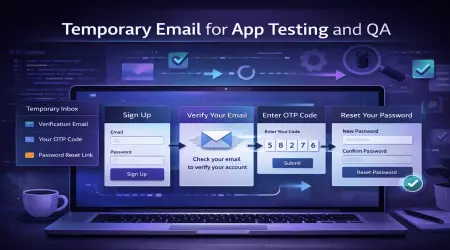
- testing email workflows
- separating short-term messages from a primary inbox
The main idea is simple: use a temporary inbox when long-term access is not important.
Step 1: The System Assigns a Domain
Every email address needs a domain. Temporary email generators usually operate one or more domains that are configured to receive mail. When you open the service, the system selects one of those domains and pairs it with a generated local name to create a usable address.
For example, a temporary address may be created by combining:
- a generated username or mailbox name
- a domain controlled by the service
That combination becomes the inbox address you see on screen.
Step 2: A Mailbox Is Created or Mapped

Once the address is generated, the system creates a mailbox entry or maps that address to a temporary session. This is what allows incoming messages to appear inside the web interface without requiring you to create a traditional email account.
In many temporary email systems, the mailbox is not a full permanent inbox like a personal Gmail or Outlook account. It is usually a short-term container linked to a generated address or a browser session.
In simple terms, the process often looks like this:
- a temporary address is generated
- the service connects it to a temporary mailbox record
- incoming mail to that address is routed into the web inbox
- the mailbox remains available until it expires, is refreshed, or is removed
Step 3: Incoming Messages Are Routed to the Inbox
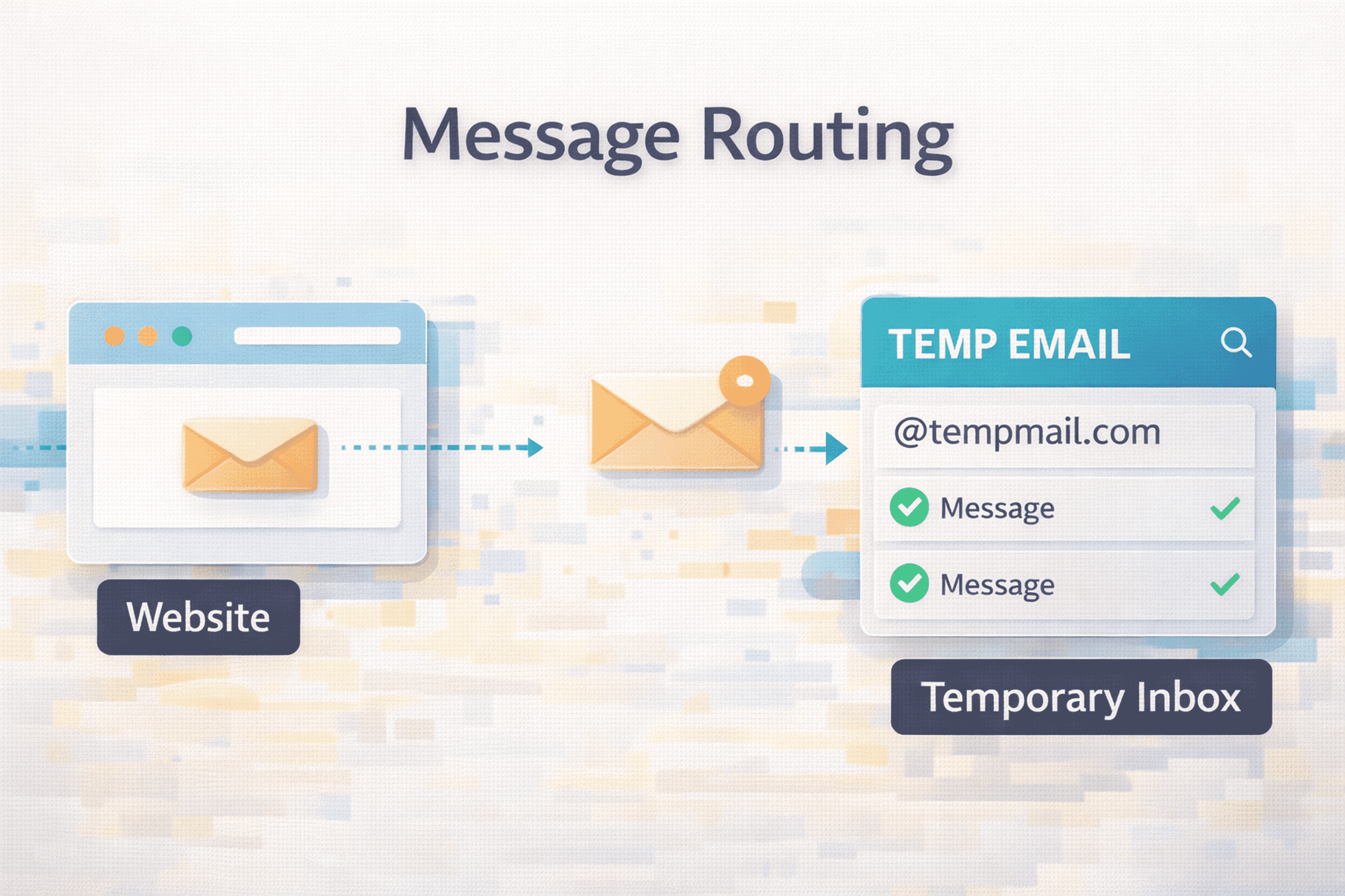
When another website sends a message to the temporary address, that message is accepted by the service’s mail server. The system then routes the message to the matching temporary mailbox and displays it inside the inbox interface.
This is why temporary email can be useful for:
- account verification links
- one-time passcodes or sign-up confirmations
- welcome emails from trial services
- testing automated message delivery
From the user’s point of view, it feels instant. Behind the scenes, the service is handling mail delivery, mailbox matching, and message display in real time or near real time.
Step 4: The Web Interface Displays the Message
Most temporary email generators do not require a separate mail app. Instead, they display messages directly inside the website interface. That interface usually shows:
- sender name or address
- subject line
- message body
- arrival time
- attachments, when supported
This makes the service convenient because users can copy a verification code, open a confirmation link, or review a short email without managing a permanent inbox.
Step 5: The Mailbox Expires or Is Cleaned Up
One of the defining features of temporary email generators is that the inbox is usually not permanent. Depending on the service, the mailbox may be removed after a fixed time, after inactivity, after a browser session ends, or after the user refreshes or changes the address.
This automatic cleanup helps keep the service lightweight and focused on short-term use.
Important: mailbox duration can vary by service, domain, configuration, and system rules.
How Attachments and Advanced Features May Work
Some temporary email generators support more than basic message reception. Depending on the service, a temporary inbox may also support:
- attachments
- custom refresh actions
- multiple domain choices
- session-based mailbox restoration
- API access for testing or automation
However, not every service offers the same feature set. That is why users should not assume all temporary email generators behave the same way.
Why People Use Temporary Email Generators
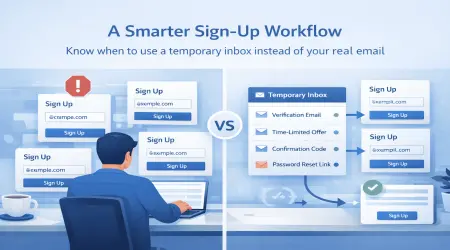
The appeal of temporary email generators is not just privacy. They are also useful because they solve practical problems. Many users do not want to give their real inbox to every site they visit, especially when the registration is temporary, low priority, or unlikely to matter later.
Temporary email generators help with:
- reducing spam in a primary inbox
- avoiding unnecessary promotional follow-up
- testing sign-up and verification flows
- keeping low-priority registrations separate
- simplifying short-term access workflows
Where the Limits Begin
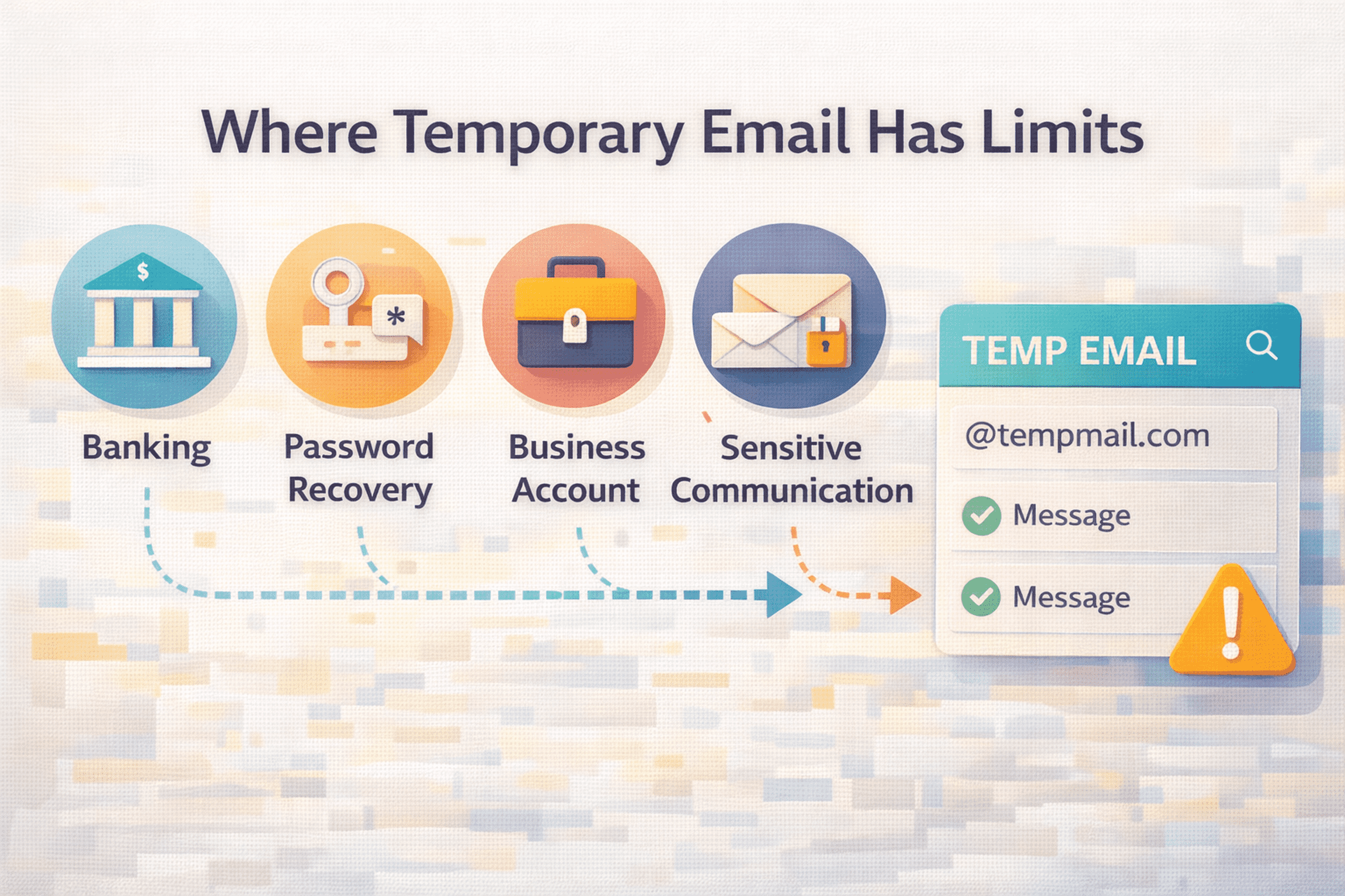
Temporary email generators are useful, but they are not a complete replacement for a real inbox. Their main limitation is simple: they are designed for short-term use. If the account later becomes important, you may need recovery access, long-term message history, or a stable inbox that remains under your control.
That is why temporary inboxes are usually a poor fit for:
- banking or financial accounts
- password recovery for important services
- medical, legal, or highly personal communication
- work-critical accounts
- long-term subscriptions you depend on
Important: Temporary inboxes may be public and are not intended for banking or sensitive accounts.
Are Temporary Email Inboxes Public?
Some temporary email systems use addresses that may be guessable, openly generated, or visible within a session that is not private in the same way as a personal inbox. That is one reason temporary inboxes are best treated as a convenience tool for short-term use, not as a secure long-term mailbox.
The exact behavior depends on the service, but users should always assume that a disposable inbox does not provide the same privacy model as a permanent personal account.
When Temporary Email Generators Make the Most Sense
Temporary email generators make the most sense when all three of these are true:
- the sign-up is short term
- the account is low priority
- future recovery is not important
That often includes:
- free trial access
- one-time verification
- public forum sign-ups
- QA or onboarding tests
- quick tool exploration
A Practical Example
Imagine you want to test a new platform that requires an email address before you can explore the dashboard. You do not yet know whether you will keep the account. In that case, a temporary email generator may give you a short-term inbox for verification without adding another low-priority registration to your main inbox.
If the platform later becomes important, that is usually the point where a real recoverable inbox becomes the better choice.
Common Misunderstandings
A common misunderstanding is that temporary email generators are meant for every type of account. Another is that they automatically make all online activity private or risk free. Neither assumption is correct.
Temporary email generators can reduce unnecessary exposure of a real inbox during short-term use, but they do not replace:
- strong passwords
- account recovery planning
- careful privacy settings
- long-term inbox stability
How TempMail Bank Fits In
TempMail Bank is designed for short-term sign-ups, temporary verification, routine inbox separation, and other use cases where permanent mailbox access is not the main goal. It is intended to make those short-term workflows simpler and more manageable.
The right way to think about a temporary email generator is not as a permanent inbox replacement, but as a tool for situations where a short-term inbox is enough.
Final Thoughts
Temporary email generators work by combining domain handling, mailbox creation, message routing, and automatic cleanup into a simple short-term inbox experience. That is why they are useful for trials, verification, testing, and low-priority sign-ups.
Their value comes from solving a practical problem: not every website needs long-term access to your real email address. But their limits matter too. For important, sensitive, or recovery-dependent accounts, a stable personal inbox is still the better option.
FAQ
How does a temporary email generator create an address?
It usually combines a generated mailbox name with a domain controlled by the service, then maps that address to a temporary inbox session.
How do messages reach a temporary inbox?
Incoming mail is accepted by the service’s mail server, matched to the generated address, and displayed inside the web inbox interface.
Do temporary email generators store messages forever?
Usually no. Most are designed for short-term use, so messages or inboxes may be deleted automatically after a limited period or when the session changes.
Are temporary email generators safe for important accounts?
Generally no. Important accounts that require long-term access, password recovery, or sensitive communication are better suited to a stable personal inbox.