
Temporary Email for Sign-Ups: How It Reduces Spam and Protects Your Main Inbox
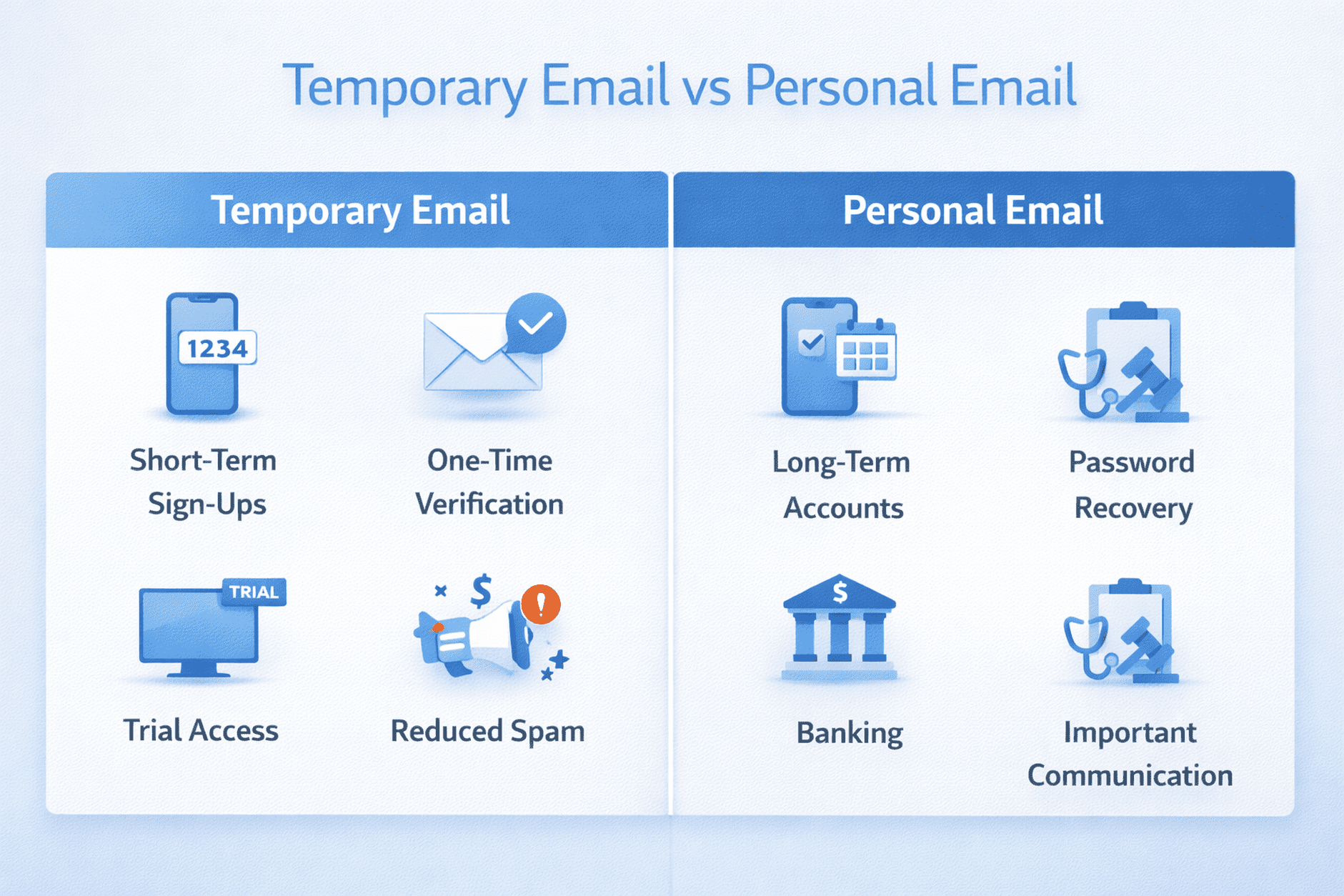
Many websites ask for your email address before you can create an account, access a trial, download a file, or complete a verification step. Over time, those registrations can fill your inbox with newsletters, marketing emails, and unwanted follow-up messages. A temporary email address can help reduce that clutter by giving you a short-term inbox for routine online sign-ups.
This guide explains what temporary email is, when it is useful, when not to use it, and how it can help you keep your primary inbox cleaner and more organized.
For a broader overview of how TempMail Bank works, you can also read our About Us page and review our Privacy Policy.
What Is a Temporary Email?
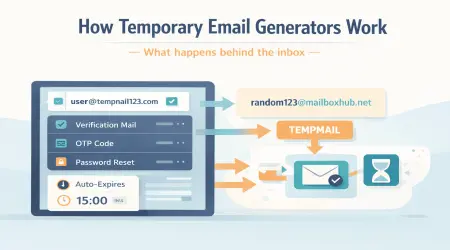
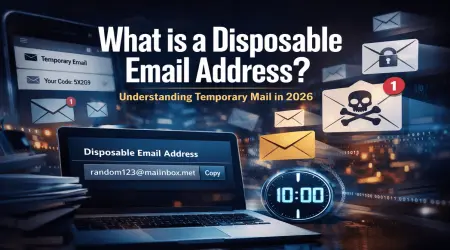
A temporary email address is a short-term inbox that can be used instead of your personal email address. It is commonly used for one-time registrations, trial access, short-term verification, and testing online workflows. Instead of exposing your main inbox to every website you visit, you can use a disposable inbox for lower-risk, short-term tasks.
This creates a cleaner separation between your important long-term email communication and your routine sign-up activity.
Why Temporary Email Helps Reduce Spam
The biggest advantage of temporary email is that it can reduce unnecessary exposure of your personal inbox. If a website later sends promotional updates, reminders, or recurring offers, those emails are sent to the temporary inbox instead of your main email account.
This is especially useful when you are:
- trying a service for the first time
- joining a low-priority website or community
- claiming a short-term offer or trial
- testing a form, app, or email workflow
Used correctly, temporary email can make inbox management easier and help you keep important communication separate from routine online activity.
Temporary Email vs. Personal Email
| Feature | Temporary Email | Personal Email |
|---|---|---|
| Best for | Short-term sign-ups and verification | Long-term accounts and trusted services |
| Inbox clutter | Lower risk of long-term promotions | Can increase with repeated sign-ups |
| Password recovery | Not ideal for important accounts | Better for recovery and account access |
| Long-term communication | Not recommended | Recommended |
| Privacy for routine use | Useful for reducing exposure | More exposure if shared widely |
When Temporary Email Is Useful
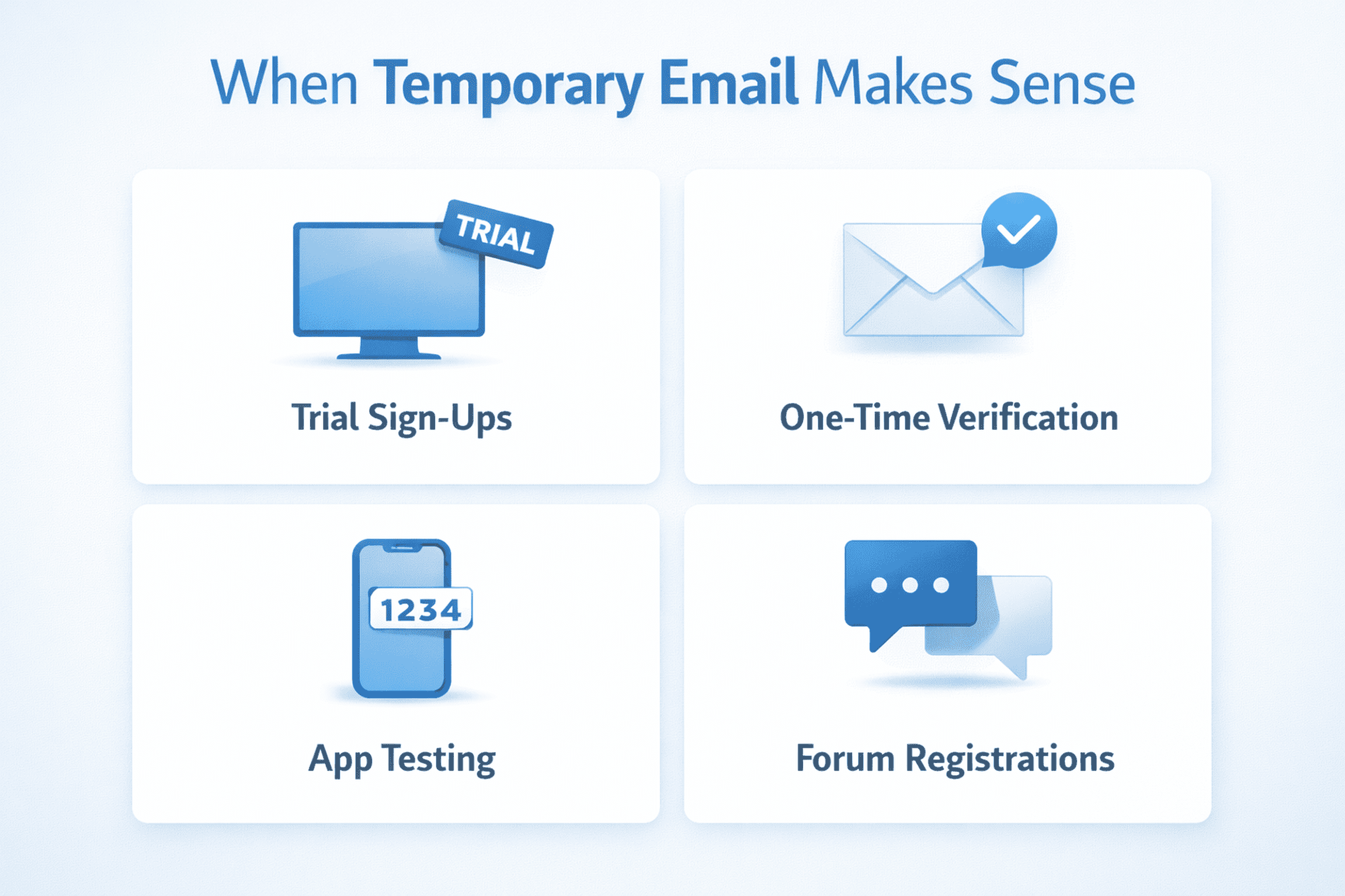
A temporary inbox can be a practical choice in situations such as:
- website registrations that only require short-term access
- trial sign-ups for software, tools, or online services
- one-time verification emails
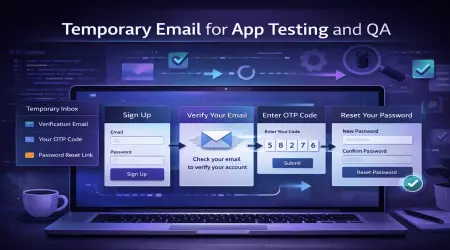
- app testing and signup flow testing
- forum or community registrations that are not business-critical
- reducing marketing clutter in your personal inbox
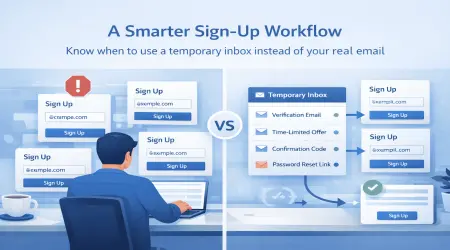
In these situations, a temporary inbox can help you avoid giving your personal email address to every platform you try.
When You Should Not Use Temporary Email

Temporary email is not right for every kind of account. Some services require long-term access, private recovery options, or a stable communication channel. In those cases, your personal email address is usually the better choice.
You should generally avoid temporary email for:
- banking or financial accounts
- medical, legal, or highly personal communication
- important work or business accounts
- password recovery for services you rely on long term
- accounts tied closely to your identity and ongoing access
Quick Decision Guide
Use temporary email for:
- trial access
- short-term registrations
- public site sign-ups
- testing email workflows
- low-risk verification tasks
Do not use temporary email for:
- banking
- sensitive personal accounts
- important recovery email addresses
- long-term subscriptions you need to manage later
- private or confidential communication
How to Use Temporary Email More Safely
If you plan to use a temporary inbox, a few basic habits can help you use it more responsibly:
- Use it for routine short-term sign-ups, not sensitive services.
- Do not assume every temporary inbox remains available for the same amount of time.
- Check whether the account may need recovery access later.
- Read the platform’s privacy and retention terms before relying on it.
- Keep using strong passwords and normal security practices for important accounts.
A temporary inbox can reduce exposure of your main email address, but it does not replace strong passwords, multi-factor authentication, or careful browsing habits.
Common Mistakes to Avoid
One common mistake is using a temporary inbox for an account that later becomes important. Another is assuming all temporary email services offer the same retention period, privacy model, or attachment support.
For example:
- Some temporary inboxes may support attachments, others may not.
- Some inboxes may remain available longer, while others may expire quickly.
- Some services may be better for testing, while others are better for general sign-up use.
That is why temporary email should be treated as a short-term convenience tool, not as a guaranteed long-term communication method.
A Practical Example
Suppose you want to try a new tool that requires email verification before giving access to a free demo. You may not want that service sending future promotions to your personal inbox. In that case, a temporary inbox can be useful:
- Generate a temporary email address
- Use it to register for the tool
- Receive the one-time verification email
- Complete access
- Avoid long-term clutter in your primary inbox
This kind of use is where temporary email is often most helpful.
How TempMail Bank Fits In
TempMail Bank is designed to provide a simple temporary inbox experience for short-term sign-ups, verification, and routine online use. It can be useful when you want to reduce promotional clutter, limit unnecessary exposure of your main email address, and handle quick online tasks more efficiently.
You can also review our Terms and Conditions and Cookies Policy to better understand how the service is intended to be used.
Final Thoughts
Temporary email can be a smart way to reduce spam and keep your primary inbox cleaner, especially for short-term registrations and low-risk verification tasks. The key is to use it in the right situations and understand its limits.
If an account is important, long-term, or sensitive, your personal inbox is usually the better choice. But for routine online sign-ups, a temporary inbox can make your day-to-day email use more organized and easier to manage.
FAQ
Is temporary email safe to use?
Temporary email can be useful for routine short-term sign-ups and verification. However, it should not be used for banking, highly sensitive accounts, or important long-term communication.
Can temporary email reduce spam?
Yes. A temporary inbox can help reduce spam in your main inbox by keeping promotional or low-priority registration emails separate from your personal email account.
How long does a temporary email address last?
That depends on the service settings, selected domain, and retention rules. Some temporary inboxes remain active longer than others.
Should I use temporary email for password recovery?
Usually no. If you may need long-term access to an account, your personal email is generally the better option.
Important: Temporary inboxes may be public and are not intended for banking or sensitive accounts.